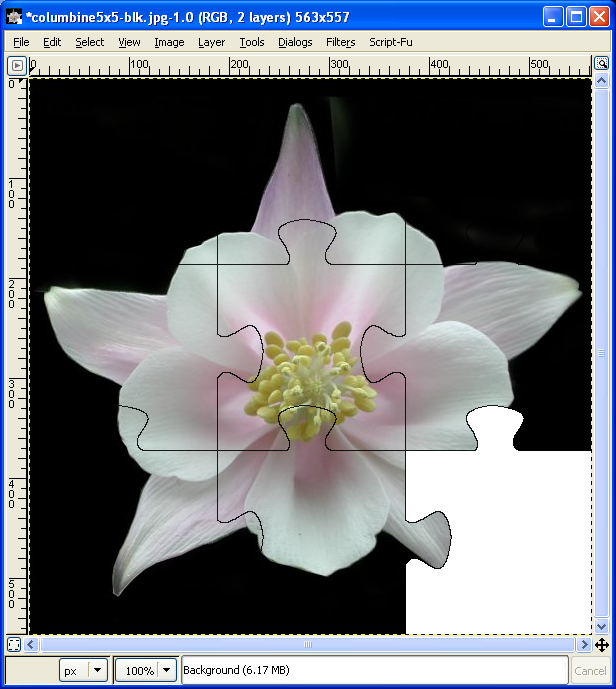
Open the image.
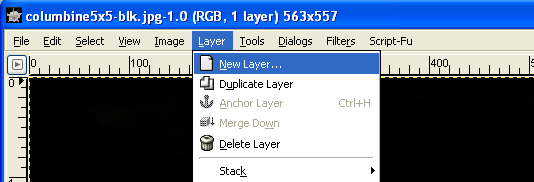
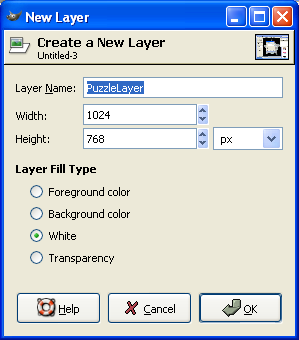
Add a new layer, with a white background.
Set mode of this layer to "multiply". 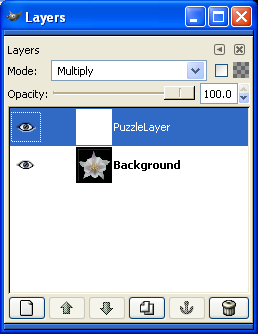
Filters->Render->Pattern->Jigsaw. 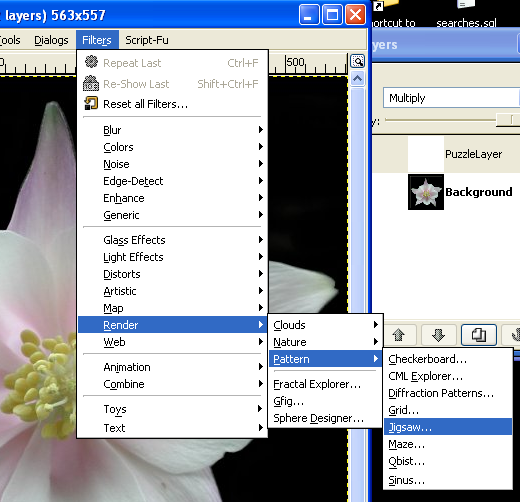
Set number of pieces wide, number high. Set Bevel Width to 0. 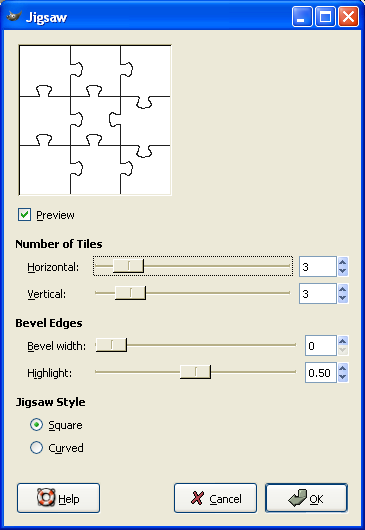
Save the "complete" puzzle.
Select the magic select tool 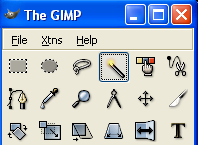
Select the puzzle layer.
Select a puzzle piece.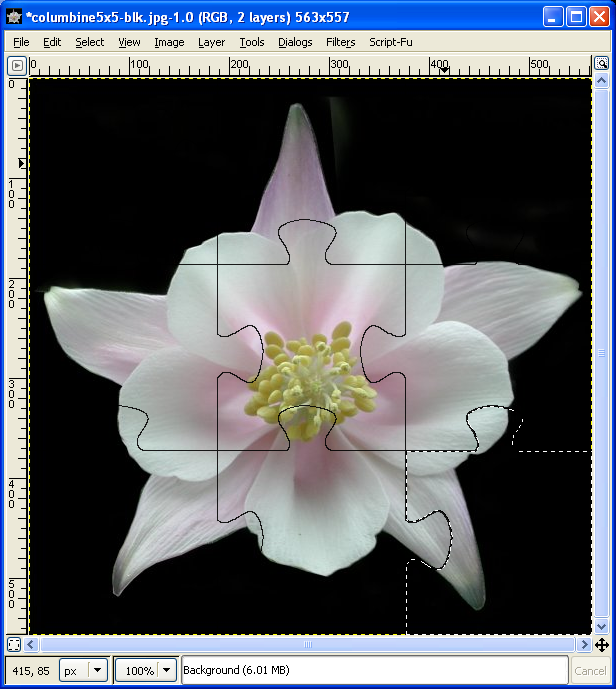
Select the background layer. 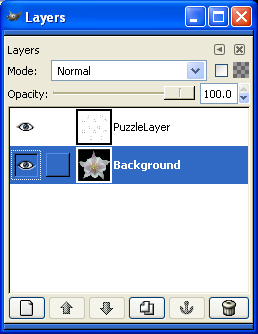
Cut the selection from the Background layer. 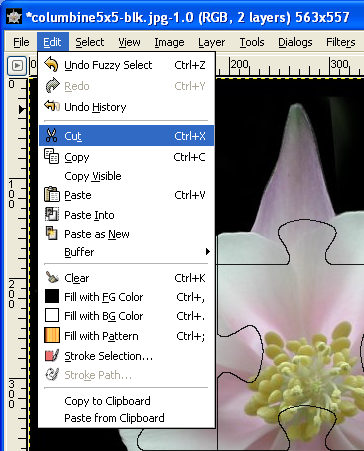
Save the image.